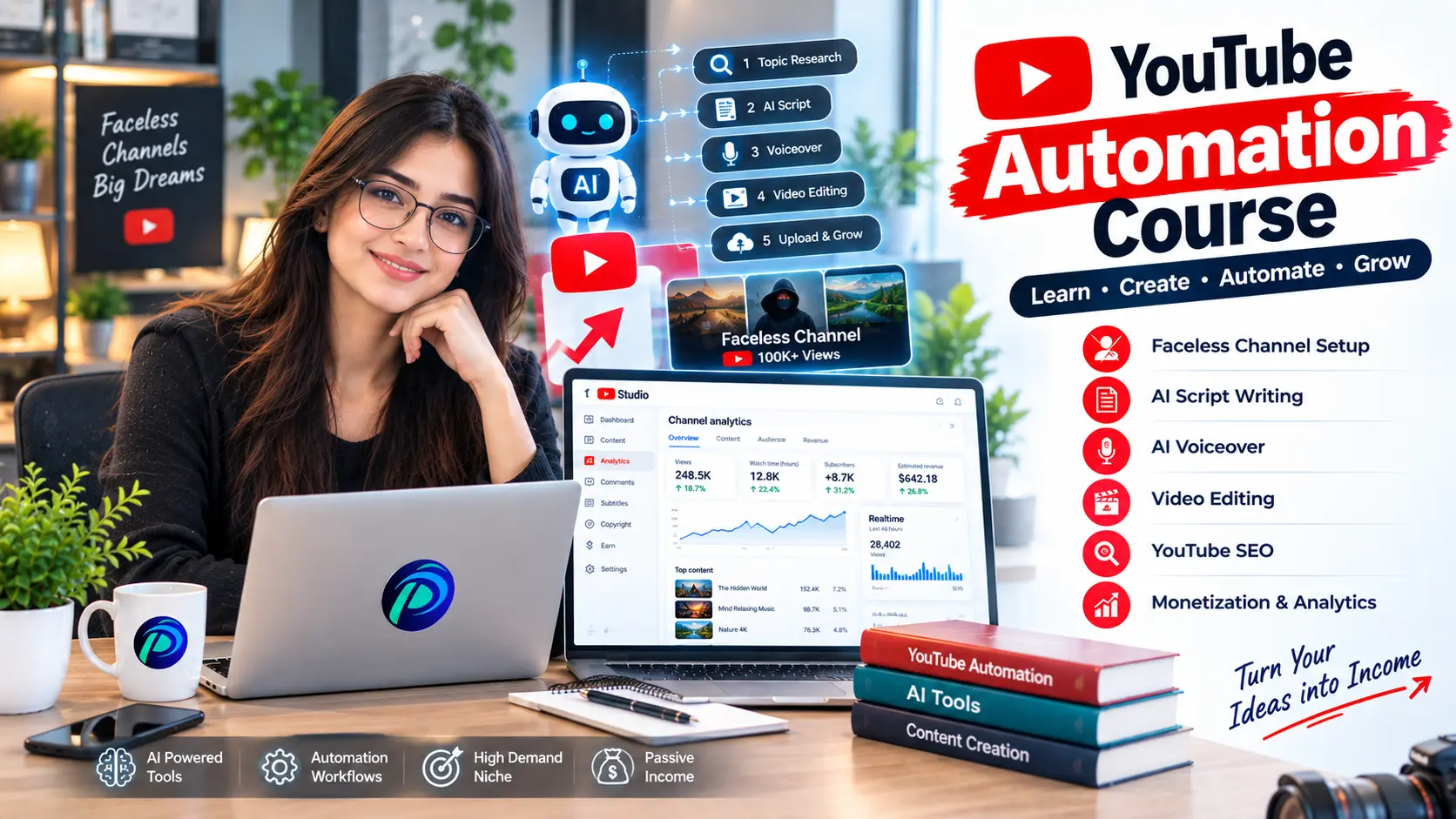
YouTube Automation Course
Learn YouTube Automation from content research and scripting to video creation, SEO, and channel growth through practical training.
Course Overview
Learn how to build and manage a YouTube channel from scratch using YouTube Automation, AI tools, and practical content strategies. This course covers niche selection, competitor research, channel setup, AI-powered scripting, voiceovers, video editing, thumbnails, YouTube SEO, analytics, monetization, and scaling. Students will also complete a practical YouTube project and learn how to turn their skills into freelancing opportunities.
- YouTube basics + channel models
- Niche + competitor research
- Channel setup + content planning
- Script writing + AI tools
- Voiceover + visual production
- Video editing + retention
- Thumbnails + YouTube SEO
- Upload + analytics
- Monetization + scaling
- Practical project + freelancing
Course Fee
Complete Course
▣ Duration 4 Months
▦ Schedule 5 Days / Week
⌂ Mode On Campus & Online
♟ Seats Available 08 of 20
Course Outline
Progress from YouTube fundamentals to niche research, scripting, AI tools, voiceover, editing, thumbnails, SEO, analytics, monetization and scaling.
Understand how faceless YouTube channels work from idea to income.
YOUTUBE AUTOMATION BASICS
- What YouTube Automation is and how it works.
- Faceless channels and common content models.
- YouTube ecosystem, policies and community guidelines.
- Copyright, reused content and content safety.
- Monetization basics and common automation mistakes.
NICHE & MARKET RESEARCH
Find viable niches and identify opportunities before creating a channel.
- Profitable, high-CPM and high-RPM niche research.
- Trending vs evergreen content.
- Competitor and viral video research.
- Audience, keyword and topic research.
- Content gaps and niche validation.
- Content gaps and niche validation.
CHANNEL SETUP & BRANDING
Build a professional channel foundation ready for publishing.
- Channel name, handle and positioning.
- Logo, banner and visual identity.
- Channel description, keywords and basic settings.
- Homepage, playlists and channel sections.
- Content strategy and publishing structure.
Turn research into consistent, engaging and production-ready YouTube content.
CONTENT STRATEGY
Build a repeatable content system around the target audience.
- Target audience and content pillars.
- Topic selection and viral topic research.
- Evergreen content and content gaps.
- Title research and content calendar.
- Upload strategy and competitor content analysis.
SCRIPT WRITING
Write engaging scripts designed for storytelling and retention.
- Professional YouTube script structure.
- Powerful hooks, curiosity and open loops.
- Storytelling and audience retention techniques.
- AI-assisted writing and prompt engineering.
- Humanization, editing and fact-checking.
AI TOOLS & WORKFLOW
Use AI to accelerate research and production while keeping quality control.
- AI research and script-writing tools.
- AI image and video generation.
- AI voice generation and content assistance.
- Prompt engineering for YouTube workflows.
- Human review, accuracy and quality control.
Build complete videos with professional audio, visuals and editing workflows.
VOICEOVER & AUDIO
Create clear, engaging narration and a clean audio experience.
- Human vs AI voiceover.
- Voice selection, customization and pacing.
- Voiceover editing and pronunciation control.
- Background music and sound effects.
- Audio levels and voice-to-visual synchronization.
VISUAL PRODUCTION
Build visual storytelling that supports the script and keeps attention.
- Stock footage and copyright-safe assets.
- B-roll research and selection.
- AI-generated images and videos.
- Visual storytelling and supporting graphics.
- Asset organization and production workflow.
PROFESSIONAL VIDEO EDITING
Turn scripts, voiceovers and visuals into polished YouTube videos.
- CapCut and Adobe Premiere Pro workflow.
- B-roll, text animation and motion graphics.
- Transitions, captions and visual effects.
- Sound design, music and pacing.
- Color correction and retention-focused editing.
Optimize every video, understand performance and build a repeatable production system.
THUMBNAILS, SEO & ANALYTICS
Learn how packaging, search and performance data work together.
- Thumbnail psychology, CTR and visual composition.
- Canva, Photoshop basics and AI thumbnail tools.
- Title, keyword and description optimization.
- YouTube Studio, retention, watch time and traffic sources.
- Video performance analysis and improvement planning.
MONETIZATION & CHANNEL GROWTH
Understand revenue, optimization and sustainable channel growth.
- YouTube Partner Program and monetization basics.
- CPM, RPM, ads and affiliate marketing.
- Sponsorship opportunities and multiple revenue streams.
- Analytics-led content improvement.
- Channel growth and scaling strategy.
CLIENT PROJECTS & TEAM MANAGEMENT
Turn YouTube Automation skills into professional client services.
- Client briefs, requirements and project planning.
- Research → script → voice → visuals → editing → SEO.
- Revisions, quality control, deadlines and delivery.
- Portfolio, outsourcing and team management.
- Multiple projects and channel management.
Practical Projects
LEARN THE BASICS • BUILD THE SYSTEM • GROW THE CHANNEL
01
Niche Research & Channel Strategy
Niche Selection → Competitor Research → Audience & Demand Analysis → Channel Branding & Positioning
02
Content Strategy & Scriptwriting
Content Pillars → Video Ideas & Topic Research → Script Writing → Hook & Retention Techniques
03
AI-Assisted Production
AI Script Tools → AI Voiceover Generation → AI Visuals & B-Roll Sourcing → Faceless Channel Workflow
04
Video Editing & Post-Production
Editing Software Basics → Pacing & Transitions → Adding Voiceover & Music → Captions & Visual Effects
05
Thumbnail & Title Design
Thumbnail Psychology → Design Tools (Canva/Photoshop) → A/B Testing Titles & Thumbnails
05
YouTube SEO & Optimization
Keyword Research for YouTube → Title, Description & Tags Optimization → Playlist & Channel SEO
06
Analytics & Growth
YouTube Studio Analytics → CTR, Retention & Watch Time → Growth Strategies & Algorithm Understanding
07
Monetization & Client Services
YouTube Partner Program → Alternative Monetization (Sponsorships, Affiliate) → Building a YouTube Automation Service → Pricing & Client Acquisition
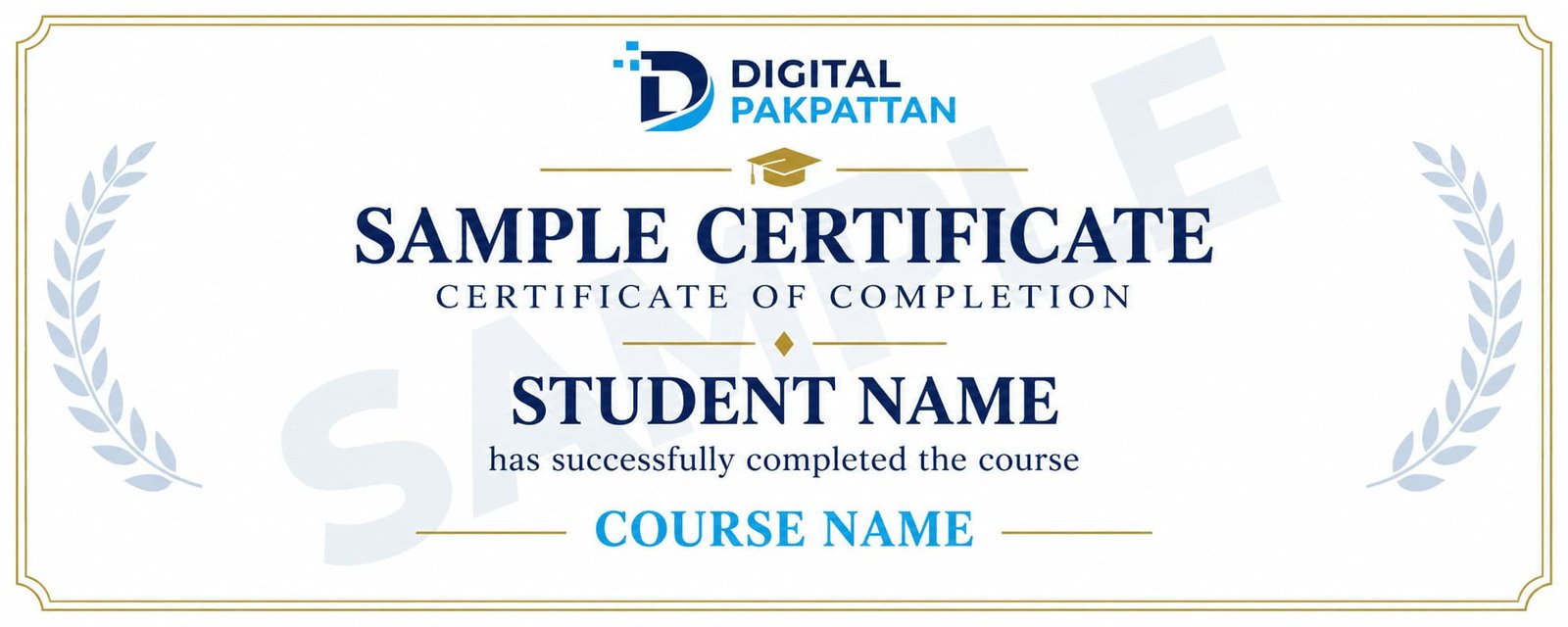
Earn a Verifiable Certificate
Complete the course and receive a verifiable
Digital Pakpattan certificate.
Course Instructors
Meet the instructors for this course.

Usman Khan ✅
Digital Marketing Specialist
5+ years of industry experience in performance marketing.

Ayesha Malik ✅
Social Media Marketing Expert
4+ years of experience in brand growth and content strategy.

Ali Raza ✅
Google Ads Specialist
4+ years of experience in Google Ads and PPC campaigns.
READY TO JOIN?
Register for This Course
You can choose any listed instructor while filling out the admission form.
Already registered? Student Login
Frequently Asked Questions
Find answers to common course questions.
No. The course begins with the fundamentals.
You can choose from the listed instructors during registration.
Payment instructions are shared during admission.
Yes, successful students receive a verifiable certificate.
Contact your instructor for available support.