
WordPress Web Development Course
Want to build professional websites for real businesses? Learn WordPress & Elementor through hands-on training. Build responsive websites and deliver client-ready projects
Course Overview
This course is designed for students who want to build professional websites using WordPress and Elementor. Through 18 focused lectures and 12 separate practical assignments, students learn to plan, design, manage, and deliver a complete business website from initial setup to final handover.
- Install WordPress and configure essential settings.
- Build branded business pages with Elementor.
- Create responsive layouts for all devices.
- Manage content, forms, backups, and updates.
- Complete and prepare client-ready websites.
Course Fee
Complete Course
▣ Duration 4 Months
▦ Schedule 5 Days / Week
⌂ Mode On Campus & Online
♟ Seats Available 30
Course Outline
Build practical website development skills from the ground up. Explore WordPress setup, Elementor design, responsive layouts, content management, maintenance, and client delivery. Basic SEO is covered in the final lecture only.
Website & WordPress Introduction
• Website types and the purpose of a business website.
• Domains, hosting, and how WordPress works.
• The website development process and clien requirements.
WordPress Installation
• Hosting control panels and domain connections.
• SSL certificates and secure website access.
• Installing WordPress on local or training hosting.
Dashboard & Basic Settings
• Pages, posts, media, and dashboard navigation.
• Site title, timezone, and permalink settings.
• User roles and static homepage settings.
Themes & Plugins
• Selecting a suitable theme for a business website.
• Installing, activating, and managing plugins.
• Theme settings, updates, and removing unused tools.
Website Planning & Branding
• Planning a sitemap and organizing page content.
• Choosing suitable brand colors and fonts.
• Global styles and consistent visual design.
Elementor Fundamentals
• The Elementor editor, containers, and widgets.
• Adding headings, text, images, and buttons.
• Editing, previewing, and saving page changes.
• Container direction, alignment, and content gaps.
• Padding, margins, backgrounds, and borders.
• Consistent card styling and reusable sections.
Header, Footer & Navigation
• Logo placement and navigation menu structure.
• Footer content, useful links, and contact details.
• Mobile navigation and free versus paid options.
Homepage Design
• Hero sections with clear headings and buttons.
• Services overviews and business introductions.
• Calls to action and logical section order.
About Page Design
• Writing and presenting a business introduction.
• Mission, values, and team profile sections.
• Using genuine business information to build trust.
Services Page Design
• Service listings and individual service pages.
• Explaining benefits, process, and service details.
• Inquiry buttons and links between related pages.
Contact Page & Inquiry Forms
• Contact form fields and email notifications.
• Maps, WhatsApp, email, and direct-call links.
• Testing form submissions and email delivery.
• Desktop, tablet, and mobile layout settings.
• Responsive typography, spacing, and container stacking.
• Finding and fixing horizontal overflow issues.
Blog & Content Management
• Creating posts, categories, and featured images.
• Organizing media and updating existing content.
• Setting up a blog page and post navigation.
Website Speed & Troubleshooting
• Image dimensions, compression, and WebP images.
• Caching basics and website loading checks.
• Diagnosing plugin conflicts and common layout errors.
Security, Backups & Migration
• Website updates and basic login protection.
• Creating backups and restoring website data.
• Migration steps and checks after a website transfer.
Final Project & Client Handover
• Reviewing client requirements and testing the website.
• Quotation basics, revision scope, and delivery steps.
• Client instructions and ongoing maintenance guidance.
Introduction to Basic SEO
• Page titles, meta descriptions, and heading structure.
• Image alt text and useful internal links.
• XML sitemaps and introductory on-page SEO checks.
Practical Projects
Learn -Practice -Build – Launch
01
Website Planning & Setup
Choose a business, plan its pages, and install WordPress. Configure basic settings, select a suitable theme, and add essential plugins to prepare your website for development.
02
Branding & Elementor Layout
Set brand colors, fonts, and button styles in Elementor. Build a two-column section and service cards with consistent spacing, clear headings, and suitable images for visitors.
03
Header & Footer Design
Create a website header and footer with your logo, navigation menu, and contact links. Test each menu item and check that the mobile navigation works correctly.
04
Business Homepage Design
Build a homepage with a hero section, business introduction, services overview, and contact button. Arrange the content clearly and apply consistent branding throughout the complete page.
05
About & Services Pages
Create an About page, services listing, and detailed service page. Add business information, team details, service benefits, and inquiry buttons with clear navigation between related pages.
06
Contact & Inquiry Forms
Build a contact page with an inquiry form, map, and contact links. Submit a test message, verify email delivery, and check WhatsApp, email, and call buttons.
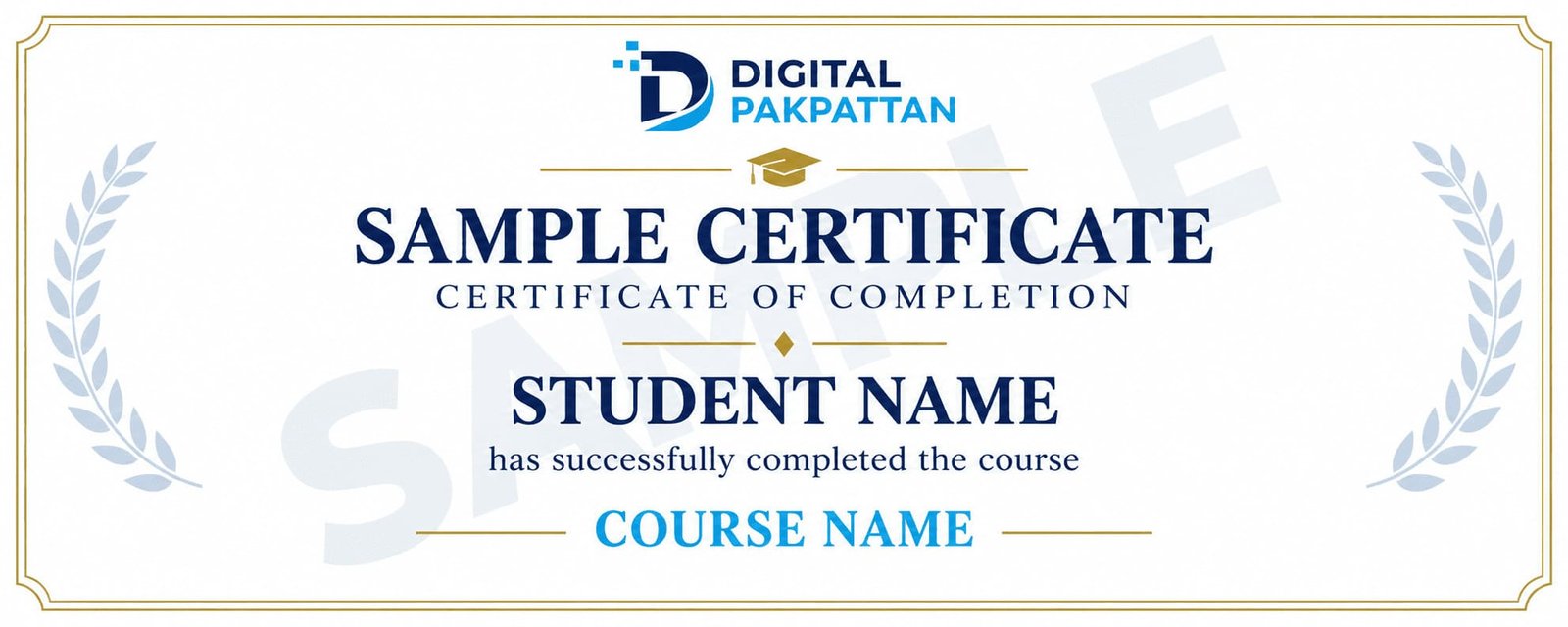
Earn a Verifiable Certificate
Complete the course and receive a verifiable
Digital Pakpattan certificate.
Course Instructors
Meet the instructors for this course.

Usman Khan ✅
Digital Marketing Specialist
5+ years of industry experience in performance marketing.

Ayesha Malik ✅
Social Media Marketing Expert
4+ years of experience in brand growth and content strategy.

Ali Raza ✅
Google Ads Specialist
4+ years of experience in Google Ads and PPC campaigns.
READY TO JOIN?
Register for This Course
You can choose any listed instructor while filling out the admission form.
Already registered? Student Login
Frequently Asked Questions
Find answers to common course questions.
No. Basic computer and internet skills are enough to begin.
There are 18 lectures and 12 separate practical assignments.
Yes. Your final project is a responsive business website.
Basic SEO is introduced only in Lecture 18.
Confirm any hosting, domain, or paid tool costs with Digital Pakpattan before enrollment.