Google Ads Course
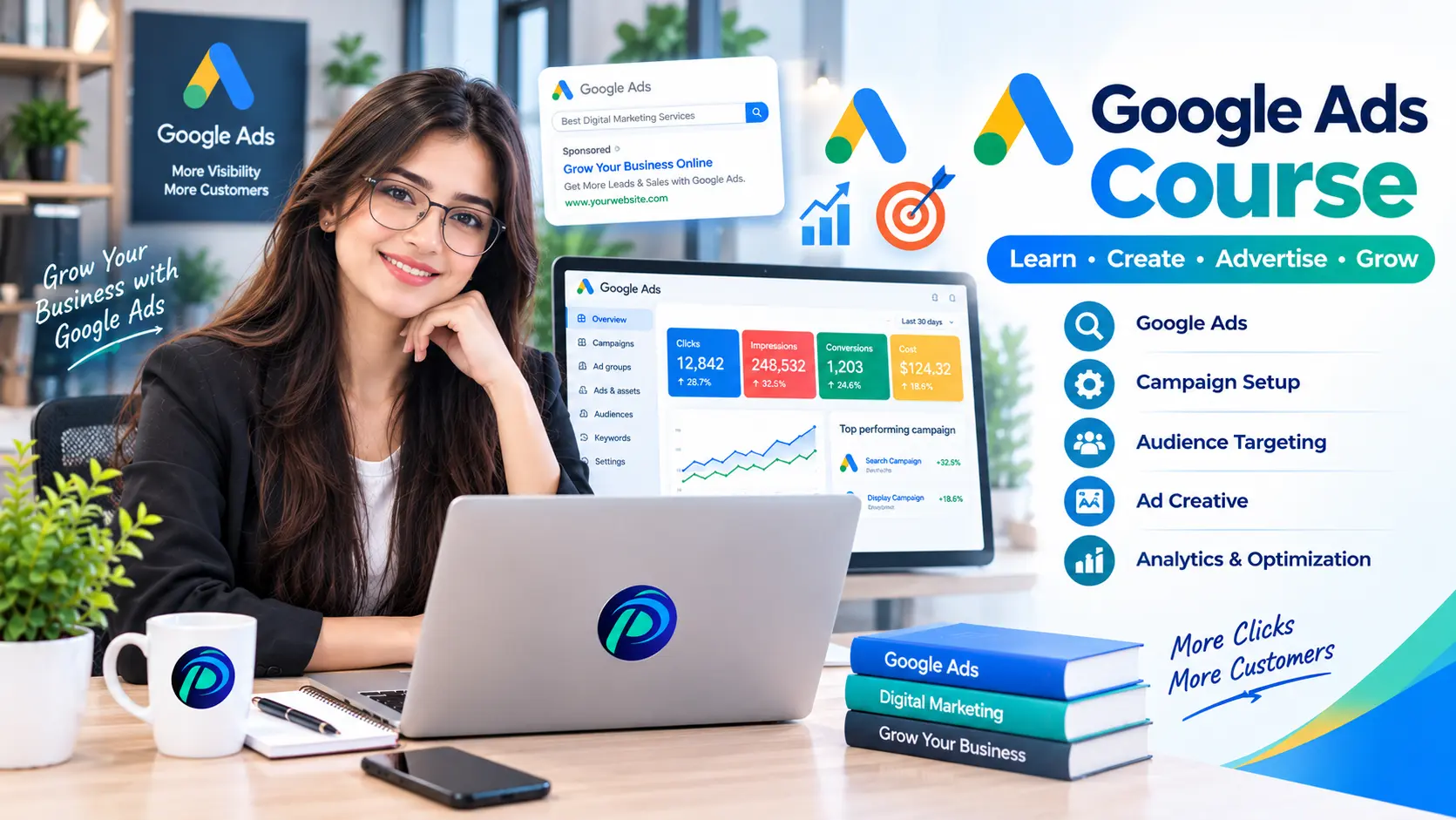
Learn Google Ads fundamentals, keyword research, campaign setup, ad creation, audience targeting, bidding, conversion tracking, optimization and performance reporting
Course Overview
Learn how to plan, create, track, and improve Google Ads campaigns. Build practical skills in keyword research, ad writing, targeting, budget management, and performance reporting through business-based projects.
- Plan and launch targeted Search campaigns.
- Research keywords and create compelling ads.
- Set up and test conversion tracking.
- Analyze results, optimize performance, and report.
Course Fee
Complete Course
▣ Duration 2 Months
▦ Schedule 5 Days / Week
⌂ Mode On Campus & Online
♟ Seats Available 15
Course Outline
Master Google Ads step by step with practical, industry-focused training. Build the skills to create, manage, optimize, and measure high-performing campaigns.
Introduction to Google Ads
How paid advertising works, SEO vs. Google Ads, campaign types, and business goals.
Account Setup & Navigation
Account structure, dashboard, billing basics, access, security, and advertiser verification overview.
Advertising Strategy
Understand a business, define its audience, choose an offer, and set campaign goals.
Keyword Research
Use Keyword Planner, understand search intent, review search volume, and select relevant keywords.
Match Types & Negative Keywords
Broad, phrase, and exact match; search terms; negative keywords; and avoiding irrelevant traffic.
Search Campaign Structure
Organize campaigns and ad groups; configure networks, locations, languages, and schedules.
Ad Copy & Assets
Write responsive search ads, headlines, descriptions, calls to action, sitelinks, and callouts.
Landing Pages & Ad Quality
Review mobile usability, message consistency, forms, trust signals, Quality Score, and Ad Rank basics.
Conversion Tracking Fundamentals
Define valuable actions, understand Google tag and GTM, and select primary and secondary conversions.
Tracking Setup & Testing
Track form submissions, WhatsApp clicks, and phone-link clicks; test events and avoid duplicate counting.
GA4 & Campaign Measurement
Link GA4 and Google Ads; understand key events, attribution basics, and conversion imports.
Budgets & Bidding
Plan budgets; understand Maximize Clicks, Maximize Conversions, Target CPA, and value-based bidding.
Campaign Review & Launch
Check targeting, ads, URLs, tracking, budgets, and policies before a supervised launch.
Campaign Optimization
Review search terms, CTR, CPC, conversion rate, CPA, lead quality, and wasted spend.
Display Ads & Audience Basics
Plan display creatives, understand audience segments, remarketing requirements, and placement exclusions.
YouTube Ads & Demand Gen
Match campaign goals with video and image creatives; understand targeting and reporting basics.
Shopping & Performance Max
Introduction to Merchant Center, product feeds, asset groups, conversion goals, and campaign suitability.
Reporting & Client Handling
Build a performance report, explain results, prepare a client proposal, and present the final project.
Practical Projects
HANDS-ON LEARNING
01
Create a Search Campaign
Research keywords, write ads, select targeting, and set a budget for a local business campaign.
02
Set Up Conversion Tracking
Use Google Tag Manager to track form submissions, WhatsApp clicks, and phone-link clicks on a practice website.
03
Optimize & Report Results
Analyze campaign performance, improve keywords and ads, and prepare a clear results report using live or instructor-provided data.
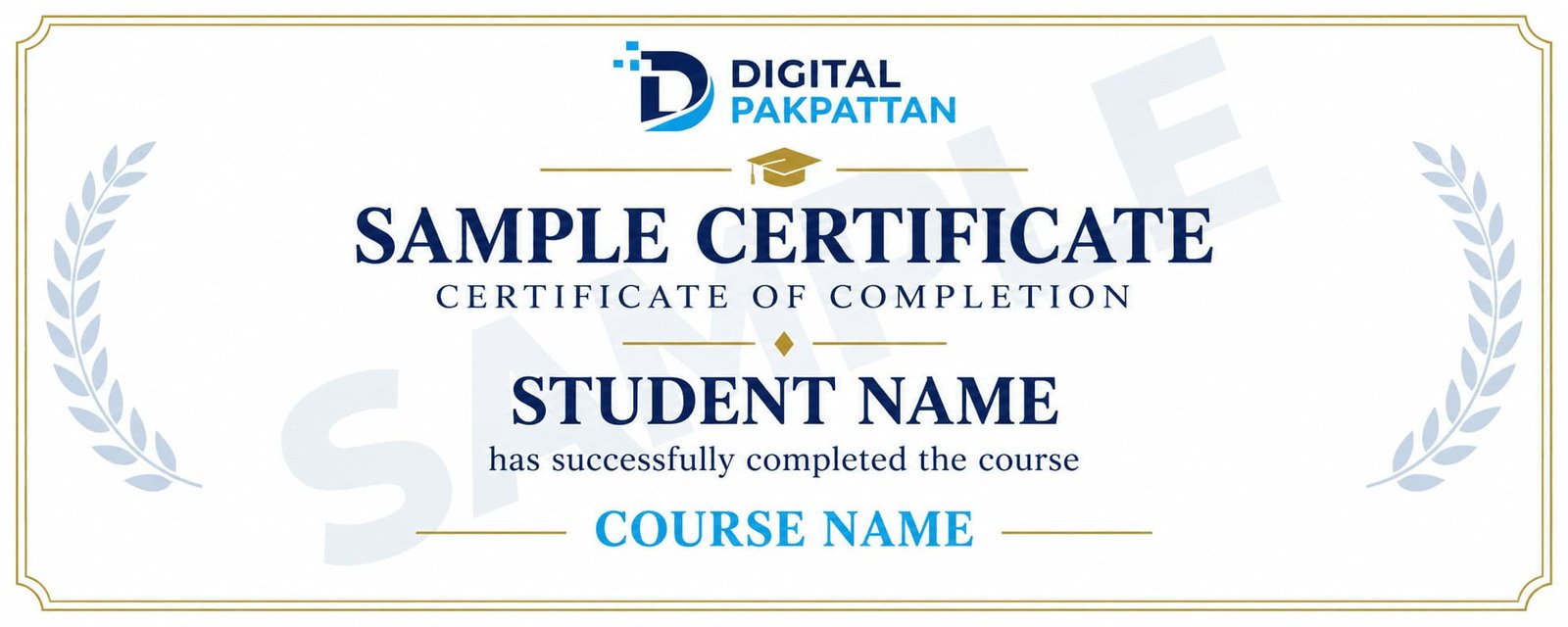
Earn a Verifiable Certificate
Complete the course and receive a verifiable
Digital Pakpattan certificate.
Course Instructors
Meet the instructors for this course.

Usman Khan ✅
Digital Marketing Specialist
5+ years of industry experience in performance marketing.

Ayesha Malik ✅
Social Media Marketing Expert
4+ years of experience in brand growth and content strategy.

Ali Raza ✅
Google Ads Specialist
4+ years of experience in Google Ads and PPC campaigns.
READY TO JOIN?
Register for This Course
You can choose any listed instructor while filling out the admission form.
Already registered? Student Login
Frequently Asked Questions
Find answers to common course questions.
No. Basic computer and internet skills are enough to begin.
Instant forms and WhatsApp ads can work without one. Pixel exercises require a practice website.
Live practice requires supervision and an approved advertising budget. Confirm whether ad spend is included in the course fee.
Yes, successful students receive a verifiable certificate.