Adobe Premiere Pro video editing courses
0 students enrolledMaster Adobe Premiere Pro with practical, industry-focused training. Develop professional video editing skills for YouTube, social media, and digital content creation.
Enroll Now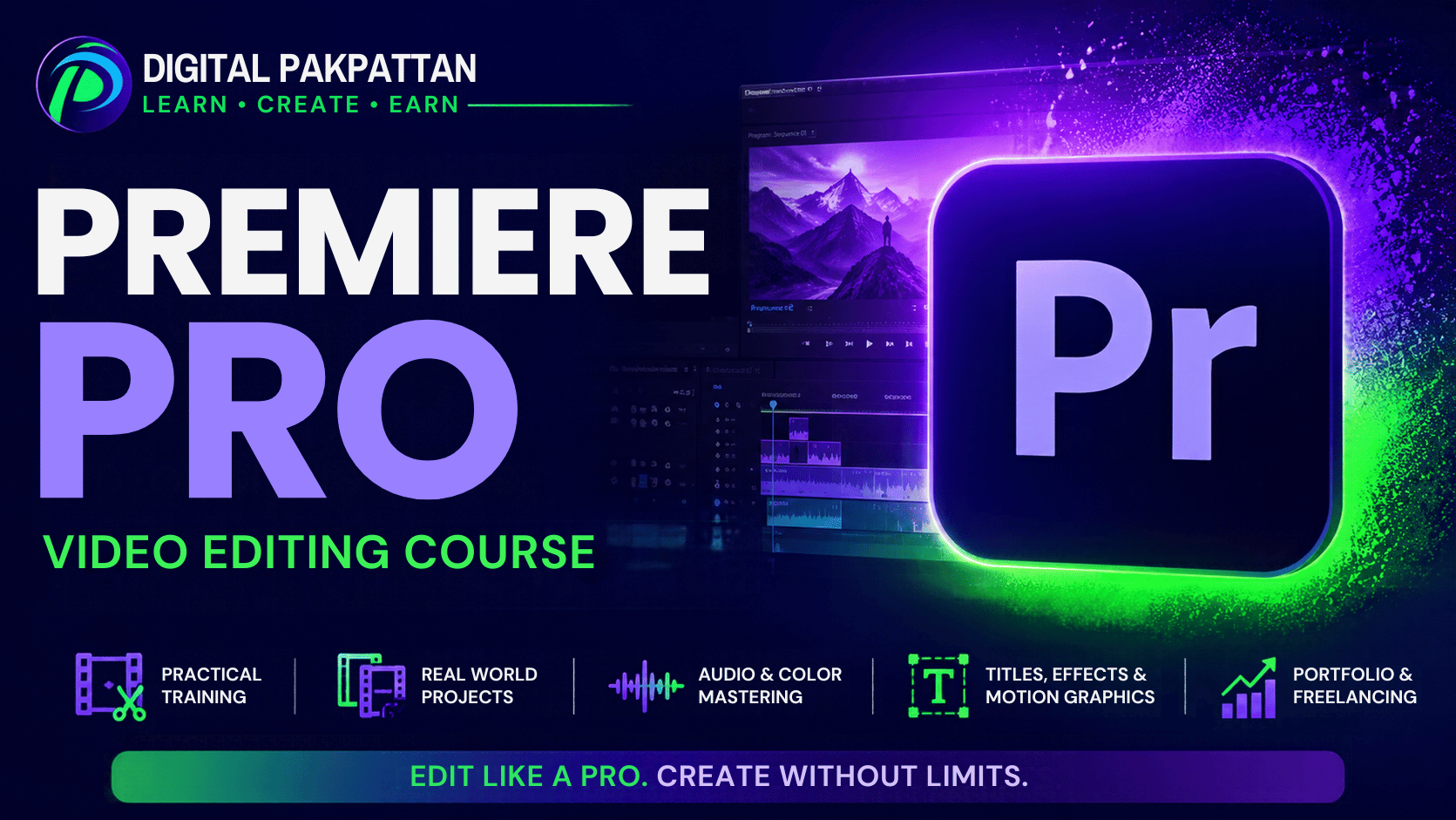
Course Overview
This comprehensive course is designed for beginners and aspiring video editors who want to build professional editing skills using Adobe Premiere Pro. Through practical, hands-on training, students will learn video editing workflows, cinematic transitions, motion effects, color correction, audio enhancement, and export optimization. By the end of the course, students will be able to create polished, high-quality videos for YouTube, social media, and professional projects.
- Master Adobe Premiere Pro tools
- Edit videos from scratch professionally
- Add transitions, effects, text, subtitles
- Enhance audio and correct video colors
- Export high-quality videos for social media
- Create professional video editing portfolio projects
Course Outline 8 modules
A structured, hands-on Adobe Premiere Pro course covering essential editing tools, professional techniques, and practical projects to develop industry-ready video editing skills.
01Introduction to Adobe Premiere Pro
Learn the fundamentals of Adobe Premiere Pro, understand its interface, and set up your first video editing project.
- Introduction to Video Editing
- Adobe Premiere Pro Interface and Workspace
- Creating Projects and Importing Media
- Understanding the Timeline and Basic Tools
02Essential Video Editing Techniques
Develop essential editing skills by learning to organize footage, cut clips, arrange sequences, and create smooth video edits.
- Importing and Organizing Video Footage
- Cutting, Trimming, and Splitting Clips
- Timeline Editing and Clip Arrangement
- Creating Smooth Video Sequences
03Transitions, Effects, and Titles
Learn to enhance videos using professional transitions, visual effects, animated titles, and text elements.
- Applying Professional Video Transitions
- Using Effects Controls and Presets
- Creating Titles and Text Graphics
- Adding Basic Text Animations
04Audio Editing and Sound Design
Master audio editing fundamentals, synchronize sound, balance audio levels, and enhance videos with music and sound effects.
- Importing and Editing Audio Tracks
- Adjusting Volume and Audio Levels
- Adding Background Music and Sound Effects
- Audio Synchronization and Noise Reduction
05Color Correction and Color Grading
Learn to correct exposure, balance colors, improve visual consistency, and create cinematic looks using professional color tools.
- Understanding Lumetri Color Tools
- Adjusting Exposure and White Balance
- Color Correction and Visual Consistency
- Cinematic Color Grading Techniques
06Advanced Editing and Motion Effects
Explore advanced editing techniques, keyframe animation, speed adjustments, and motion effects to create engaging professional videos.
- Keyframes and Animation Basics
- Speed Ramping and Slow Motion
- Motion Effects and Transform Controls
- Masking and Advanced Editing Techniques
07YouTube and Social Media Video Production
Learn to produce platform-ready content with captions, engaging pacing, suitable aspect ratios, and optimized export settings.
- Editing YouTube Videos Professionally
- Creating Reels, Shorts, and TikTok Videos
- Adding Captions and Subtitles
- Export Settings for Different Platforms
08Final Project and Professional Workflow
Apply your skills in a complete video editing project, refine the final output, and prepare professional work suitable for a portfolio.
- Planning and Organizing the Final Project
- Editing a Complete Professional Video
- Final Review and Quality Improvements
- Portfolio Preparation and Project Delivery
Practical Projects 5 projects
This practical project series is designed to develop hands-on video editing skills using Adobe Premiere Pro. Across eight weeks, students will complete eight real-world projects, covering basic editing, travel vlogs, promotional videos, audio editing, color grading, motion effects, social media content, and a final professional portfolio project. By the end of the course, students will gain practical experience and confidence in creating high-quality videos for professional and freelance work.
Basic Video Editing Project
Create a 30–60 second video using raw footage. Practice importing media, cutting clips, arranging the timeline, and adding background music to produce a clean video edit.
Professional Promotional Video
Create a promotional video for a product or business using transitions, text animations, visual effects, and background music to deliver an engaging advertisement.
Cinematic Color Grading Project
Edit raw footage using color correction, exposure adjustments, white balance, and cinematic color grading to achieve a professional visual appearance.
YouTube Shorts and Reels Editing
Create a 30–60 second vertical video with engaging cuts, captions, transitions, sound effects, and suitable export settings for YouTube Shorts, Instagram Reels, or TikTok.
Final Professional Video Editing Project
Produce a complete 2–3 minute professional video incorporating timeline editing, transitions, titles, audio enhancement, color grading, and high-quality export. Submit the final video as a portfolio project.
Earn a Verifiable Certificate
Complete the course requirements and receive a verifiable Digital Pakpattan certificate.
Verify Certificate →
STUDENT NAME
Adobe Premiere Pro video editing coursesSample · Issued after approved completionCourse Instructors
Meet the verified instructors for this course.

Muhammad Bilal
✓ Verified TeacherI am a passionate Video Editing and YouTube Automation Instructor with 2 years of practical experience in both fields. I specialize in CapCut and Adobe Premiere Pro, helping students learn professional video editing, content creation, and YouTube Automation. M…
View Teacher Profile →Apply with This Instructor →0 students enrolledRegister for This Course
Your course is selected automatically. Choose an available batch to confirm your instructor and fee.
Open Student Registration →Already registered? Student Login
Frequently Asked Questions
Find answers to common course questions.
For course questions, contact the Digital Pakpattan support team.
Verified graduate reviews
No approved reviews yet.
Reviews are available only to signed-in students who have passed this course.