Canva Graphic Course
Learn to create professional social media posts, branding designs, catalogs, presentations, and more with Canva.

Course Overview
Progress from Canva fundamentals to social media, thumbnails, branding, presentations, video, AI-assisted workflows and a professional portfolio.
- Create professional designs in Canva.
- Design social media and marketing content.
- Create logos, catalogs, and brand materials.
- Design presentations, flyers, and banners.
- Build practical projects for a design portfolio.
Course Fee
Complete Course
▣ Duration 2 Months
▦ Schedule 5 Days / Week
⌂ Mode On Campus & Online
♟ Seats Available
Course Outline
Progress from Canva fundamentals to social media, thumbnails, branding, presentations, video, AI-assisted workflows and a professional portfolio.
Start with the tools and principles that every Canva designer needs.
CANVA INTERFACE
Get comfortable inside the editor before creating complex designs.
- Home, Templates, Projects and the Canva editor.
- Elements, Uploads, Text, Draw and Apps.
- Pages, layers, Position, alignment and spacing.
- Duplicate, group/ungroup, lock/unlock and copy/paste.
- Crop, rotate, flip, transparency and
- basic editing.
TYPOGRAPHY BASICS
Make text clear, balanced and visually organized.
- Font selection and readable font combinations.
- Font size, weight, letter spacing and line spacing.
- Heading, subheading and body-text hierarchy.
- Basic font pairing and visual emphasis.
- Text effects used with restraint.
COLOR & COMPOSITION
Learn why a design feels professional instead of simply decorative.
- Primary, secondary and accent colors.
- Contrast, balance, white space and visual hierarchy.
- Alignment, grids, spacing and composition.
- Focal point and eye-flow.
- Consistency across a set of designs.
Turn Canva’s tools into polished visual communication.
IMAGE & ELEMENT EDITING
Build clean visual compositions from photos, graphics and shapes.
- Background remover and subject cutouts.
- Brightness, contrast, saturation, blur and filters.
- Shadows, overlays, frames, shapes, icons and illustrations.
- Layer organization, grouping and positioning.
- Combining multiple assets into one coherent composition.
SOCIAL MEDIA DESIGN
Create content that looks consistent across platforms.
- Instagram posts, stories and carousel designs.
- Facebook posts, covers and promotional creatives.
- LinkedIn posts, banners and professional graphics.
- TikTok/Reels covers and vertical graphics.
- Reusable branded templates for fast content production.
YOUTUBE THUMBNAILS
Design for attention, clarity and curiosity.
- Subject + emotion + curiosity as a thumbnail concept.
- Strong contrast and readable headline text.
- Cutouts, blur, shadows, arrows and emphasis.
- Simple compositions that communicate quickly.
- Practice across finance, gaming, technology, cars, AI and history.
Build complete creative assets for brands, businesses and creators.
BRANDING & BRAND KITS
Create a consistent visual identity instead of isolated designs.
- Wordmark, lettermark, icon and combination-mark concepts.
- Professional color palette and typography system.
- Logo, business card and social media templates.
- Simple brand guidelines.
- Applying one visual system across different formats.
PRESENTATIONS & PITCH DECKS
Turn information into clean, persuasive slides.
- Business, educational and marketing presentations.
- Slide hierarchy and consistent layout systems.
- Charts, icons, images and spacing.
- Professional pitch-deck structure.
- Consistent typography and branding throughout.
CANVA VIDEO
Move beyond static designs and create short-form visual content.
- Timeline, trimming and basic cuts.
- Transitions, text animation and page animation.
- Stock footage, music, voiceover and captions.
- Reels, Shorts, promotional videos and simple ads.
- Motion + typography + branding.
Use Canva’s AI capabilities to accelerate production while keeping creative control.
CANVA AI
Use AI as an assistant — then refine the result yourself.
- Magic Write for content and copy assistance.
- Magic Design for fast starting points.
- Magic Media for AI-assisted visual generation.
- Magic Edit, Magic Grab and background tools.
- Translation, resize and AI-assisted content adaptation.
Finish with real-world projects that demonstrate what you can actually deliver.
PORTFOLIO PROJECTS
Build 5 strong fictional client projects instead of random templates.
- Restaurant — logo, menu, social posts and promotional ad.
- Real estate — property post, carousel and social ad.
- YouTube channel — logo, banner, thumbnails and social graphics.
- Clothing brand — logo, product posts, sale banner and carousel.
- Tech company — brand identity, presentation and LinkedIn graphics.
FREELANCE SERVICES
Turn your skills into focused, easy-to-understand service offers.
- Social media posts and carousel design.
- YouTube thumbnails and channel branding.
- Presentations, pitch decks, flyers and brochures.
- Business cards and brand kits.
- Marketing ads and promotional graphics.
Practical Projects
Students will apply their Canva skills through practical, real-world projects designed to build a professional portfolio.
01
Social Media & Promotional Design
Create a complete social media campaign including posts, stories, and promotional graphics for a local business.
02
YouTube Creator Kit
Design a YouTube thumbnail, channel banner, video cover, and supporting social media graphics.
03
Brand Identity Design
Create a mini brand identity including logo, color palette, typography, business card, and brand assets.
01
Business Catalog Design
Design a professional product/service catalog with cover, product pages, pricing, and consistent branding.
02
Short-Form Video Campaign
Create a Reel/Short using Canva video, including transitions, captions, graphics, music, and basic AI tools.
03
Complete Client Brand Package
Students create a complete client-ready Canva project combining branding, social media designs, catalog, and promotional content.
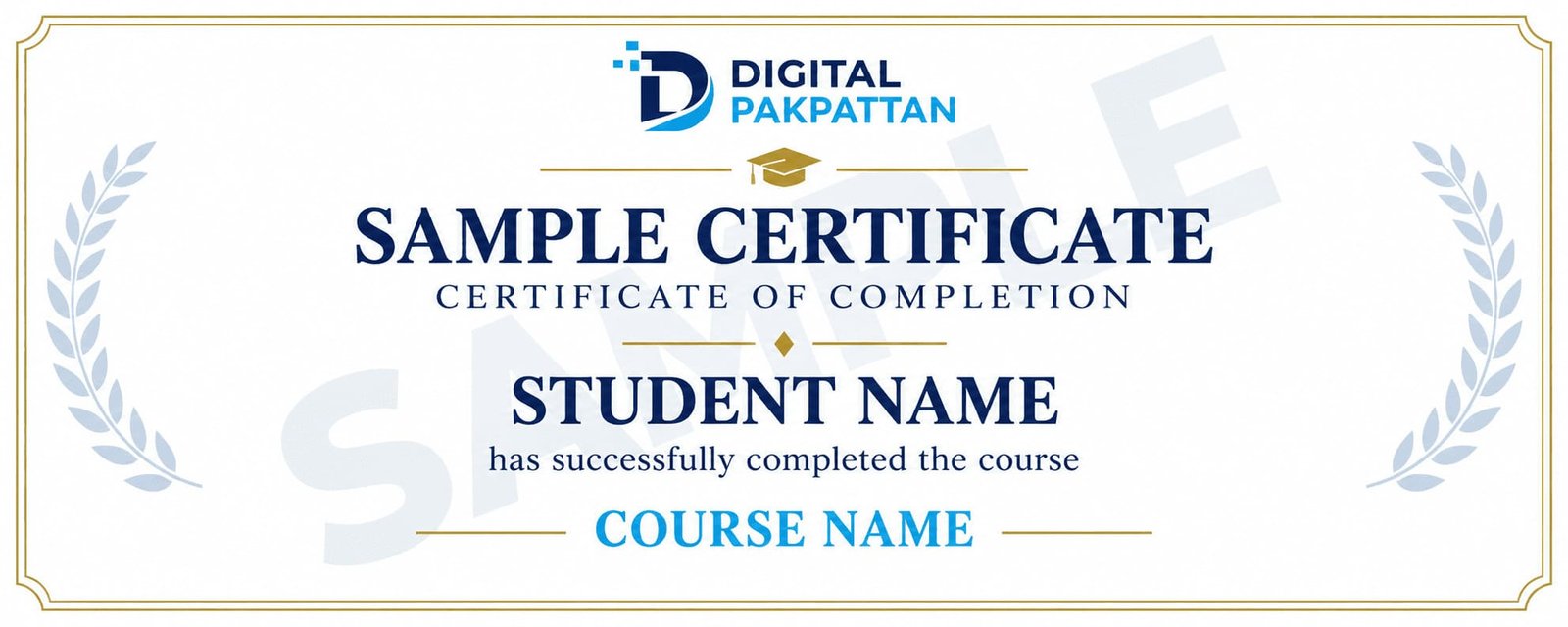
Earn a Verifiable Certificate
Complete the course and receive a verifiable
Digital Pakpattan certificate.
Course Instructors
Meet the instructors for this course.

Usman Khan ✅
Digital Marketing Specialist
5+ years of industry experience in performance marketing.

Ayesha Malik ✅
Social Media Marketing Expert
4+ years of experience in brand growth and content strategy.

Ali Raza ✅
Google Ads Specialist
4+ years of experience in Google Ads and PPC campaigns.
READY TO JOIN?
Register for This Course
You can choose any listed instructor while filling out the admission form.
Already registered? Student Login
Frequently Asked Questions
Find answers to common course questions.
No. The course begins with the fundamentals.
You can choose from the listed instructors during registration.
Payment instructions are shared during admission.
Yes, successful students receive a verifiable certificate.
Contact your instructor for available support.