Video Editing Fundamentals
Video Editing Basics → Editing Tools & Interface → Project Setup → Importing & Organizing Media → Cutting & Trimming → Transitions
Want to turn your creativity into professional videos?
Learn video editing from basics to advanced with practical, hands-on training.

This course is designed for students who want to learn professional video editing in CapCut Desktop through real practice. Every important CapCut skill is followed by a small project, helping students handle a complete client project from raw footage to final delivery.
Build practical video editing skills from the ground up. Learn essential editing techniques, creative workflows, and professional tools to transform raw footage into engaging, high-quality videos.
Learn · Practice · Create · Grow
CapCut Desktop Interface and Project Setup
Transitions, Motion and Speed
Create, edit, and deliver professional videos through hands-on projects.
Video Editing Basics → Editing Tools & Interface → Project Setup → Importing & Organizing Media → Cutting & Trimming → Transitions
YouTube Videos → Shorts → Reels → Vertical Video Editing → Social Media Formats → Export Settings
Podcast Editing → Business Promotional Videos → Video Structure → B-Roll Integration → Creative Effects
Complete the course requirements and receive a verifiable Digital Pakpattan certificate.
Verify Certificate →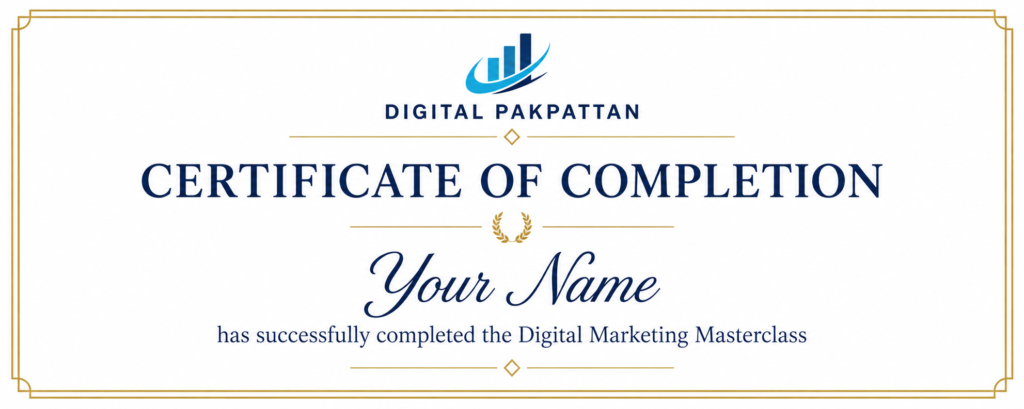
Meet the approved instructors for this course.

I am **Khadija Akbar**, an SEO Specialist and Digital Marketing professional with **3.5+ years of practical experience** in SEO, WordPress, and digital marketing. I am currently pursuing a **BSCS (Bachelor of Science in Computer Science)**…
I am **Khadija Akbar**, an SEO Specialist and Digital Marketing professional with **3.5+ years of practical experience** in SEO, WordPress, and digital marketing. I am currently pursuing a **BSCS (Bachelor of Science in Computer Science)** and have worked on various local and international projects.
My expertise includes **Keyword Research, Semantic SEO, On-Page SEO, Off-Page SEO, Technical SEO, WordPress SEO, Google Search Console, Local SEO, and Content Optimization**. I focus on practical, result-oriented SEO strategies rather than just theoretical concepts.
As a teacher, my goal is to make SEO easy to understand and help students develop practical skills they can use to **work with clients, manage websites, and build their own online projects**. I believe in teaching through real examples, hands-on practice, and step-by-step guidance.
Qualification: BSCS
Experience: 3.5
Your course is selected automatically. Choose an available batch to confirm your instructor and fee.
Open Student Registration →Already registered? Student Login
Find answers to common course questions.
No. The course begins with the fundamentals.
You can choose from the listed instructors during registration.