Capcut Video Editing Course
Want to turn your creativity into professional videos?
Learn video editing from basics to advanced with practical, hands-on training.

Course Overview
This course is designed for students who want to learn professional video editing in CapCut Desktop through real practice. Every important CapCut skill is followed by a small project, helping students handle a complete client project from raw footage to final delivery.
- Organize and edit raw footage independently.
- Create Shorts, Reels, YouTube and podcast videos.
- Improve audio, captions, graphics and color.
- Understand client briefs, revisions and final delivery.
- Use CapCut Desktop to complete a portfolio-ready final project.
Course Fee
Complete Course
▣ Duration 6 Months
▦ Schedule 5 Days / Week
⌂ Mode On Campus & Online
♟ Seats Available 08 of 20
Course Outline
Build practical video editing skills from the ground up. Learn essential editing techniques, creative workflows, and professional tools to transform raw footage into engaging, high-quality videos.
Learn • Practice • Create • Grow
CapCut Desktop Interface and Project Setup
• CapCut workspace, media panel, player and timeline.
• Importing video, audio, images and graphics.
• Canvas ratio, resolution and frame rate.
• File organization, drafts, saving and project backup.
Practical:
Organize the provided media and create a complete CapCut project.
Outcome:
Set up and manage an editing project independently.
Cutting and Timeline Editing
• Split, trim, delete and timeline tools.
• Magnetic timeline and efficient gap removal.
• Remove mistakes, pauses and unwanted footage.
• Continuity, pacing and CapCut keyboard shortcuts.
Practical:
Edit raw mobile footage into a clean 45-60 second video.
Outcome:
Turn unorganized footage into a smooth, watchable edit.
Audio Editing Basics
• Noise Reduction, Enhance Voice and basic cleanup.
• Dialogue, CapCut music and sound-effect balance.
• Audio fades, synchronization and basic EQ.
Practical:
Create a one-minute talking-head edit with clean voice, music and sound effects.
Outcome:
Produce clear and professionally balanced audio
Transitions, Motion and Speed
• CapCut transitions and match cuts.
• Keyframes, zooms and camera-style movement.
• Speed Curve, slow motion and motion blur.
Practical:
Create a 30-second cinematic product or travel montage.
Text, Titles and Captions
• CapCut text, titles and lower thirds.
• Auto Captions, manual corrections and caption templates.
• Font hierarchy, readability and keyword emphasis.
• Reusable and consistent text styles.
Practical:
Practical: Create a 30-45 second Reel with animated captions and a call to action.
Color Correction and Visual Style
• CapCut Adjust panel: exposure, contrast and white balance.
• HSL, curves, skin-tone correction and shot matching.
• Basic grading and controlled use of filters and LUTs.
Practical:
Correct multiple shots and create clean commercial and cinematic looks. Outcome:
Build a consistent visual style across a video.
Storytelling and Audience Retention
• Strong hooks and opening sequences.
• Selecting the best footage and removing weak content.
• Beginning, middle and ending.
• B-roll placement and retention-focused pacing.
Practical:
Turn raw footage into a 60-90 second story-driven video.
Shorts, Reels and TikTok
• Vertical 9:16 framing and platform-safe text.
• First three-second hooks and fast-paced cuts.
• Captions, B-roll, sound effects and visual emphasis.
Practical:
Create one educational Reel, one business promotion and one storytelling Short.
YouTube and Podcast Editing
• Talking-head and commentary editing.
• B-roll, screen recordings and on-screen graphics.
• Long-form pacing and basic multi-camera workflow.
• Podcast audio cleanup and content repurposing.
Practical:
Edit a 3-5 minute YouTube video or podcast segment, plus one Short.
Advanced and AI-Assisted Editing
• CapCut Mask, Chroma Key and background removal
. • Motion Tracking and keyframe-based motion graphics.
• Auto Captions, Remove Filler Words and AI voice tools.
• Use CapCut AI as an assistant while retaining creative control.
Practical:
Create an AI-assisted rough cut, then improve it manually.
Export and Professional Delivery
• CapCut resolution, frame rate, bitrate and format settings.
• Export for YouTube, Reels, TikTok and WhatsApp
. • File naming, preview sharing and basic revisions.
• Final delivery and project archiving.
Practical:
Export one project correctly for three different platforms.
Freelancing and Client Handling
• Understand a client brief and ask useful questions.
• Define scope, basic pricing and revision limits.
• Client communication, deadlines and portfolio presentation.
• Finding local and online opportunities.
Practical:
Prepare a service description, client questionnaire and revision policy.
Practical Projects
Build, optimize, and grow your own website with real SEO projects.
01
Video Editing Fundamentals
Video Editing Basics → Editing Tools & Interface → Project Setup → Importing & Organizing Media → Cutting & Trimming → Transitions
02
YouTube & Social Media Editing
YouTube Videos → Shorts → Reels → Vertical Video Editing → Social Media Formats → Export Settings
03
Podcast & Business Video Editing
Podcast Editing → Business Promotional Videos → Video Structure → B-Roll Integration → Creative Effects
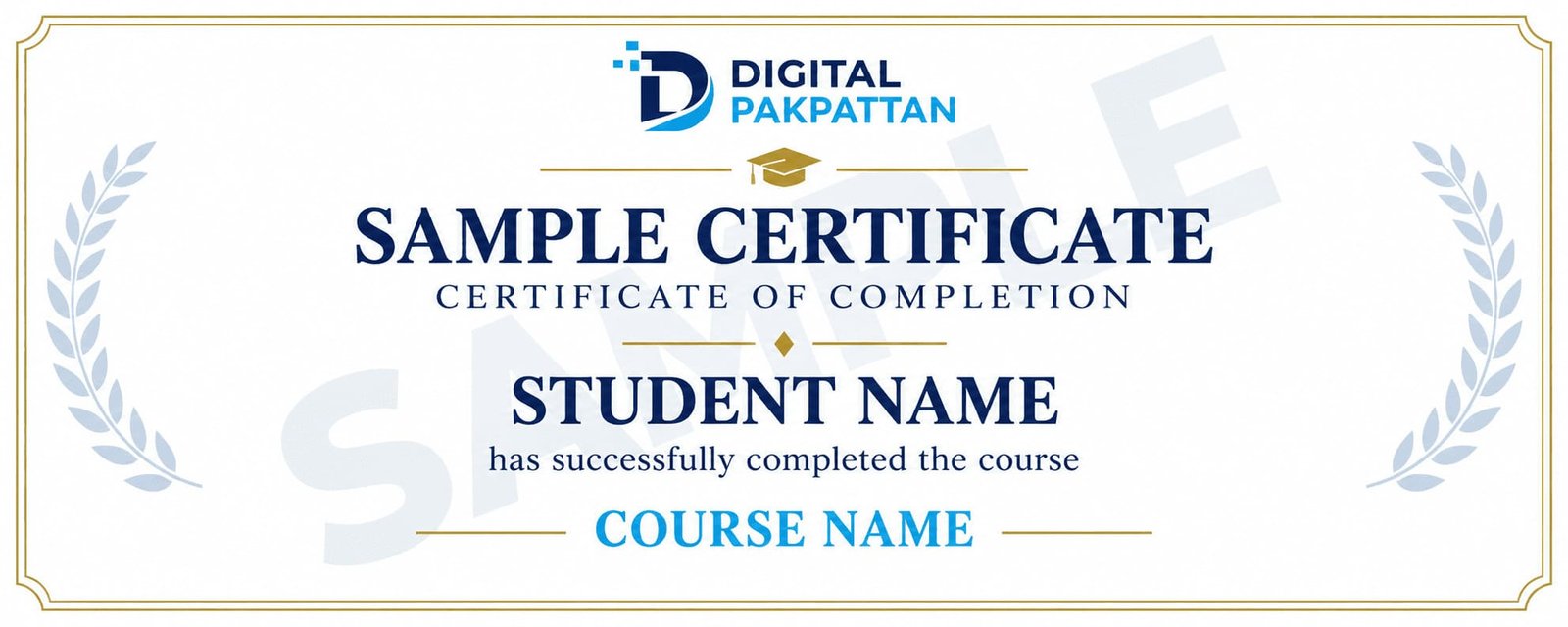
Earn a Verifiable Certificate
Complete the course and receive a verifiable
Digital Pakpattan certificate.
Course Instructors
Meet the instructors for this course.

Usman Khan ✅
Digital Marketing Specialist
5+ years of industry experience in performance marketing.

Ayesha Malik ✅
Social Media Marketing Expert
4+ years of experience in brand growth and content strategy.

Ali Raza ✅
Google Ads Specialist
4+ years of experience in Google Ads and PPC campaigns.
READY TO JOIN?
Register for This Course
You can choose any listed instructor while filling out the admission form.
Already registered? Student Login
Frequently Asked Questions
Find answers to common course questions.
No. The course begins with the fundamentals.
You can choose from the listed instructors during registration.
Payment instructions are shared during admission.
Yes, successful students receive a verifiable certificate.
Contact your instructor for available support.